01Connections and credentials
Connect to a database server or open an existing SQLite file from the desktop app.
- PostgreSQL and MySQL connections support direct access or SSH tunnels.
- Saved passwords use the operating system’s credential store.
- Create, edit, test, and save connection profiles before opening a workspace.
02Schema and record inspection
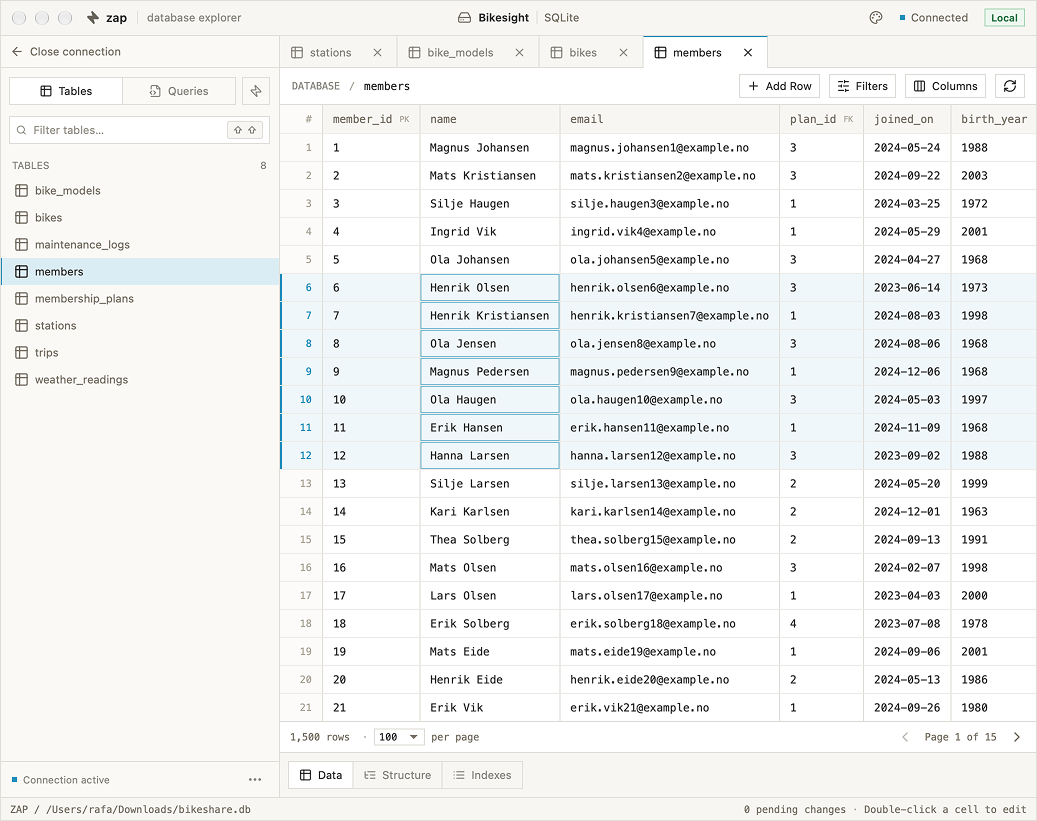
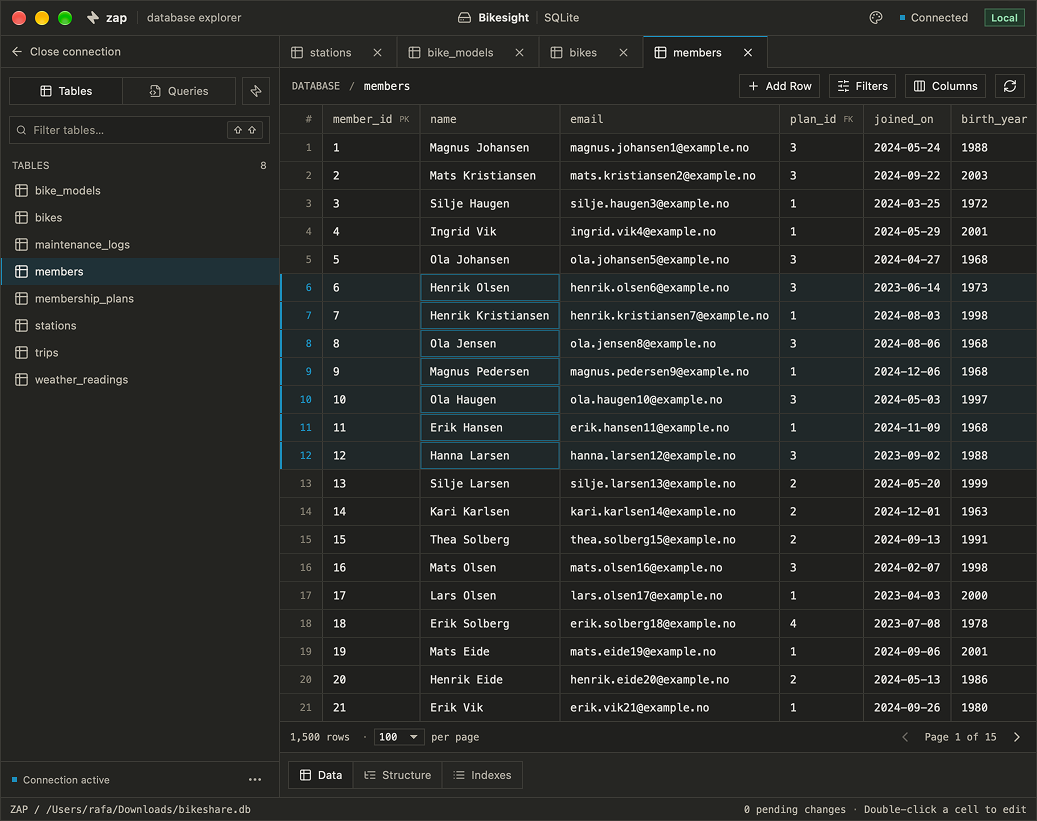
Open tables in independent tabs with Data, Structure, and Indexes views.
- Paginate, filter, and sort records; select which columns appear.
- Views and materialized views are grouped separately and open read-only. The backend also rejects edits to them.
- Rename tables and add fields from Structure where supported by the driver and database permissions.
03SQL editor and saved queries
Write SQL with syntax highlighting and context-aware completion.
- Completion suggests tables, columns, and keywords; column metadata is loaded for tables referenced by the query.
- Save queries per connection and reopen them in their own tabs.
- Query editors preserve local drafts while you move between workspace tabs.
04Staged data editing
Edit cells locally and review pending changes before saving them to the database.
- Save or revert pending edits explicitly.
- Moving between pages, filters, or sort orders stages the active cell before navigation.
- Workspace-level discard prompts protect unsaved work when leaving the connection.
05Foreign-key navigation
Inspect related records without replacing the table you are working in.
- Open a referenced row from a foreign-key cell with its relation icon or Ctrl/Command-click.
- Follow additional references in a side panel with a back stack.
- Open the referenced row in its own filtered table tab.
06Navigation and SQL transfer
Jump between schema objects and queries, or move table definitions and data using SQL files.
- Go To searches tables, views, and saved queries in the current connection, including word-start abbreviations.
- The recent-tab switcher previews cached table pages and query drafts without making database requests.
- Import SQL from the sidebar menu. Export one table or a selection, with rows or structure only.