← Back to the toolboxPiw / Notes & tasks
Small thoughts.
Room to grow.
A local desktop workspace for notes, documents, and tasks, backed by one SQLite database. Quick Capture and sticky windows share the same records as the main workspace.

Piw is pre-release. Tested daily on Linux / KDE Plasma. macOS and Windows builds have not yet been tested by hand.
01Quick Capture and notes
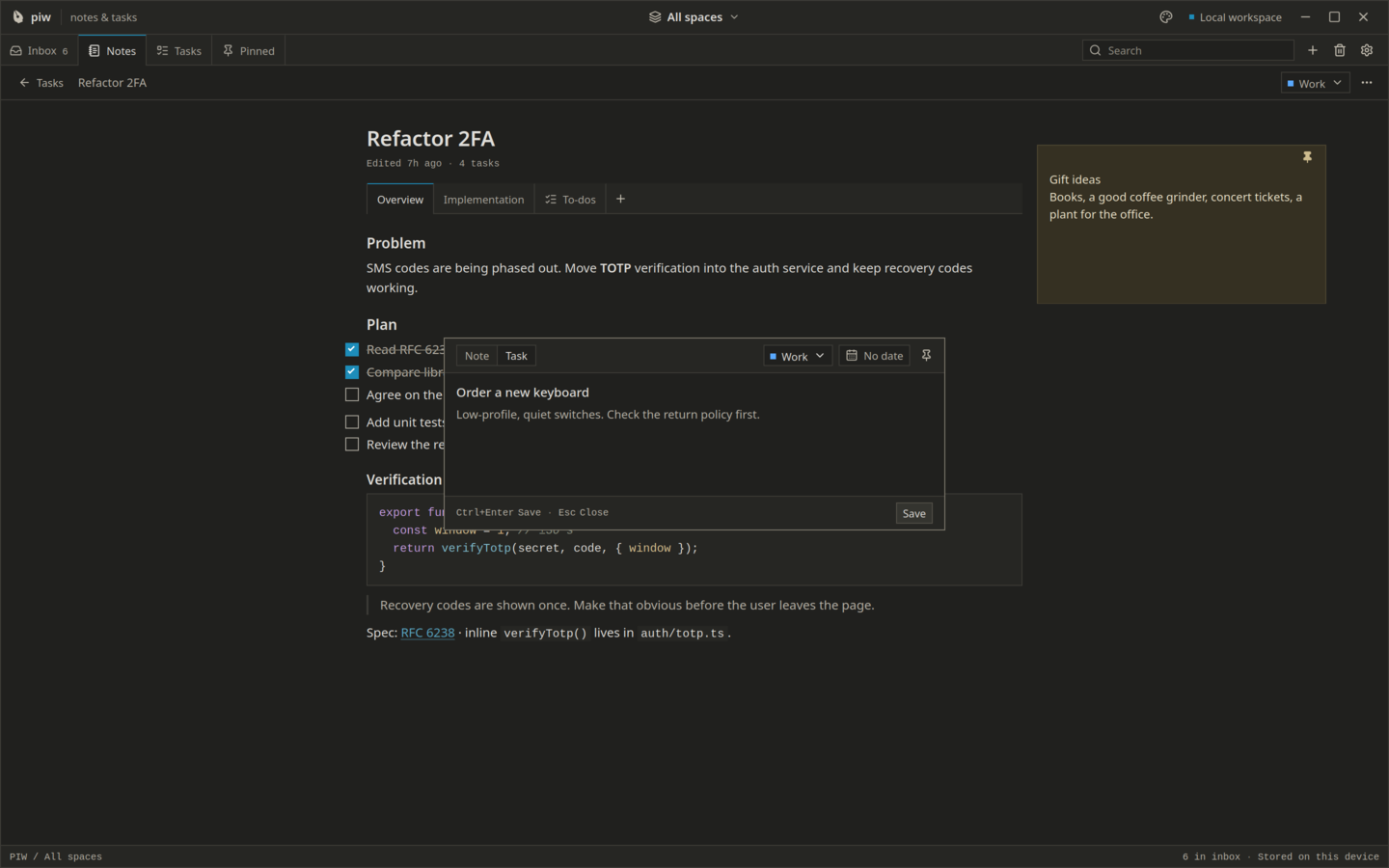
Capture a note or task from another app with a global shortcut, tray action, or CLI flag.
- The popup closes only after saving succeeds; capture drafts persist across accidental closes.
- Write Markdown-friendly notes, use a split list/editor layout, add tags, and archive finished notes.
- The --quick-note and --quick-task flags open capture in the already running app.
02Documents and linked tasks
Convert a note into a tabbed document while preserving its identity.
- Content tabs store rich text, code blocks, and checklists; Tasks tabs are live filtered task views.
- Convert a line into a task with Ctrl/Command + T. Completion updates all views of the same task.
- Tasks support one level of subtasks, due dates, manual ordering, and Today, Upcoming, All, and Completed views.
03Spaces, search, and stickies
Filter work by space and find content across notes, documents, and tasks.
- Work and Personal are included; create additional spaces and triage new items from Inbox.
- SQLite FTS5 indexes content with highlighted search matches.
- Pin a note, task, or document task list as a sticky. Window position, size, and on-top preference are remembered where supported.
04Storage and concurrent edits
The Rust core owns writes to piw.sqlite3 in the application-data directory.
- SQLite uses WAL, synchronous=FULL, foreign keys, and transactional versioned migrations. Upgrades create a database backup first.
- Debounced autosaves check an expected revision. A stale text save reports a conflict instead of overwriting a newer edit.
- Change events refresh affected queries across windows; each task remains one record regardless of how many views show it.
05Backup and export
Settings → Data shows the database path and provides separate backup and export actions.
- Backup uses VACUUM INTO to create a consistent SQLite copy while the app runs.
- Export writes Markdown notes and document tabs, JSON and CSV tasks, plus canonical data.json and a versioned manifest.
- Export creates a new folder without overwriting files and skips Trash. Exports are not a database restore mechanism.
06Privacy and window boundaries
No account, cloud, telemetry, or network access is required or built into the app.
- Each native window has scoped capabilities. Sticky windows can access commands for their own item only.
- The Rust layer validates export paths and opens native file dialogs; pasted rich content is rebuilt from the editor schema.
- Notes use soft deletion with Trash and undo. The SQLite database is not encrypted at rest.
Technical reference
Runtime & workflow.
- Application
- Tauri 2, React, TypeScript, and Rust; local SQLite with FTS5.
- Data location
- piw.sqlite3 in the OS app-data directory; inspect the path in Settings → Data. PIW_DATA_DIR can select another directory.
- Window model
- Main workspace, Quick Capture popup, and separate sticky windows, with changes synchronized locally.
Keyboard shortcuts
Use Ctrl on Linux and Windows; ⌘ on macOS unless shown otherwise.
- Ctrl + Shift + Space / ⌘ + Shift + Space
- Open Quick Capture (configurable)
- Ctrl / ⌘ + Enter
- Save the captured note or task
- Ctrl / ⌘ + K
- Search notes, documents, and tasks
- Ctrl / ⌘ + T
- Convert a document line into a task
Current limits & behavior
- Pre-release. Verified daily on Linux with KDE Plasma; Windows and macOS build in CI but have not been tested by hand. GNOME and X11 are untested.
- On Wayland, Piw defaults to XWayland for sticky positioning and always-on-top behavior. Native Wayland does not provide those sticky features.
- There is no in-app restore yet. Restoring a SQLite backup requires quitting Piw and replacing the database as described in the repository documentation.
- The database is not encrypted. Device or full-disk encryption provides protection for data at rest.
Architecture and implementation detailsA different light
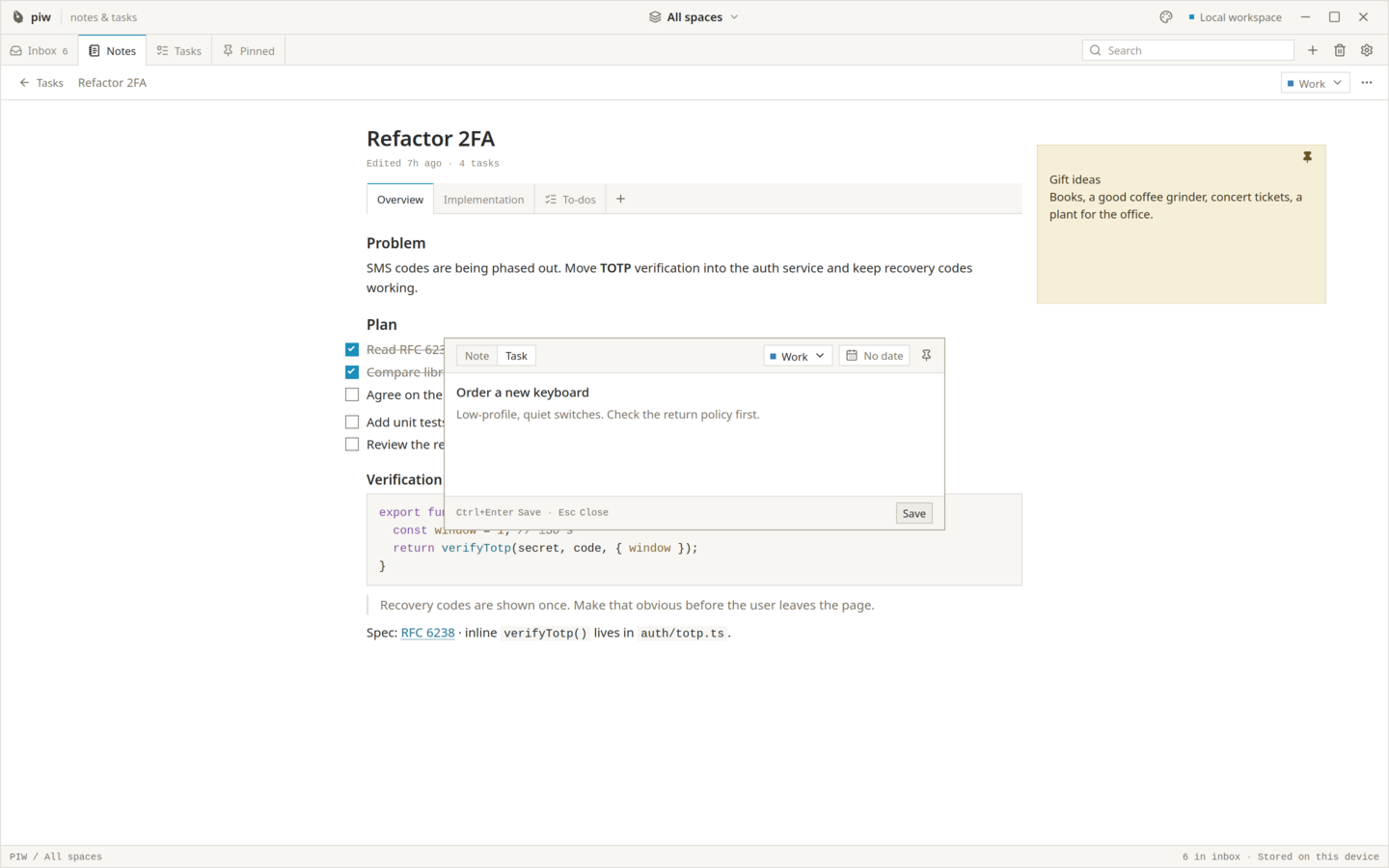
Find your focus.
A familiar workspace, in light or dark.